

Why Should You Scan Your Medicine Before Every Dose?
With thousands of brand names available in pharmacies across Bangladesh, accidental mix-ups and expired or overpriced medicines pose serious health risks.
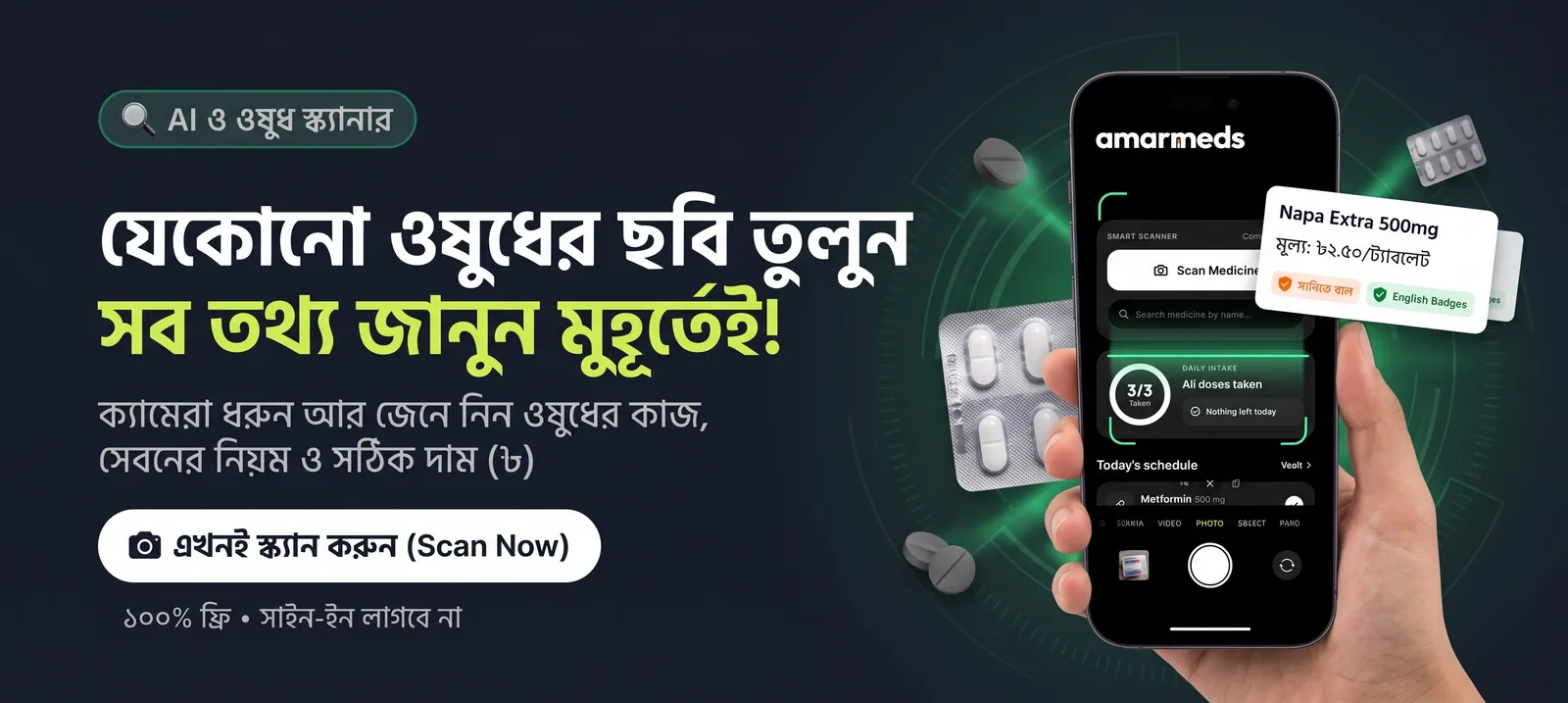
The AmarMeds Smart Camera Scanner turns your smartphone into a digital assistant, instantly verifying medicine identity, generic group, and official pricing.
💡 3 Simple Steps to Scan Any Medicine
Step 1: Open the AmarMeds App
Tap the prominent "Scan Medicine" button on the bottom menu or tap the camera icon on the main screen. This will activate your device's camera.
Step 2: Snap the Medicine Box or Strip
Align the printed brand name or generic title of your pill strip, bottle, or medicine box inside the camera frame under clear lighting and tap Capture.
Step 3: View Your Instant Safety Report
Once the scan processes, you will immediately see:
- Generic Name & Classification:
Understand what group the medicine belongs to.
- Primary Uses (Indications):
Know whether it's for gastric distress, pain, fever, or infection.
- Side Effects & Warnings:
Check safety for pregnancy, chronic conditions, and daily limits.
- DGDA Verified MRP: V
erify official retail price per tablet or bottle to ensure fair pharmacy pricing.
✅ Quick Troubleshooting Tip
Text looks blurry?
Hold your camera steady and scan under good lighting.
Price not showing?
Ensure the main brand name is fully visible inside the box frame.
No Internet Connection?
Reconnect to Wi-Fi/Mobile Data or type the name in the Search Bar.
🚨 Medical Disclaimer: